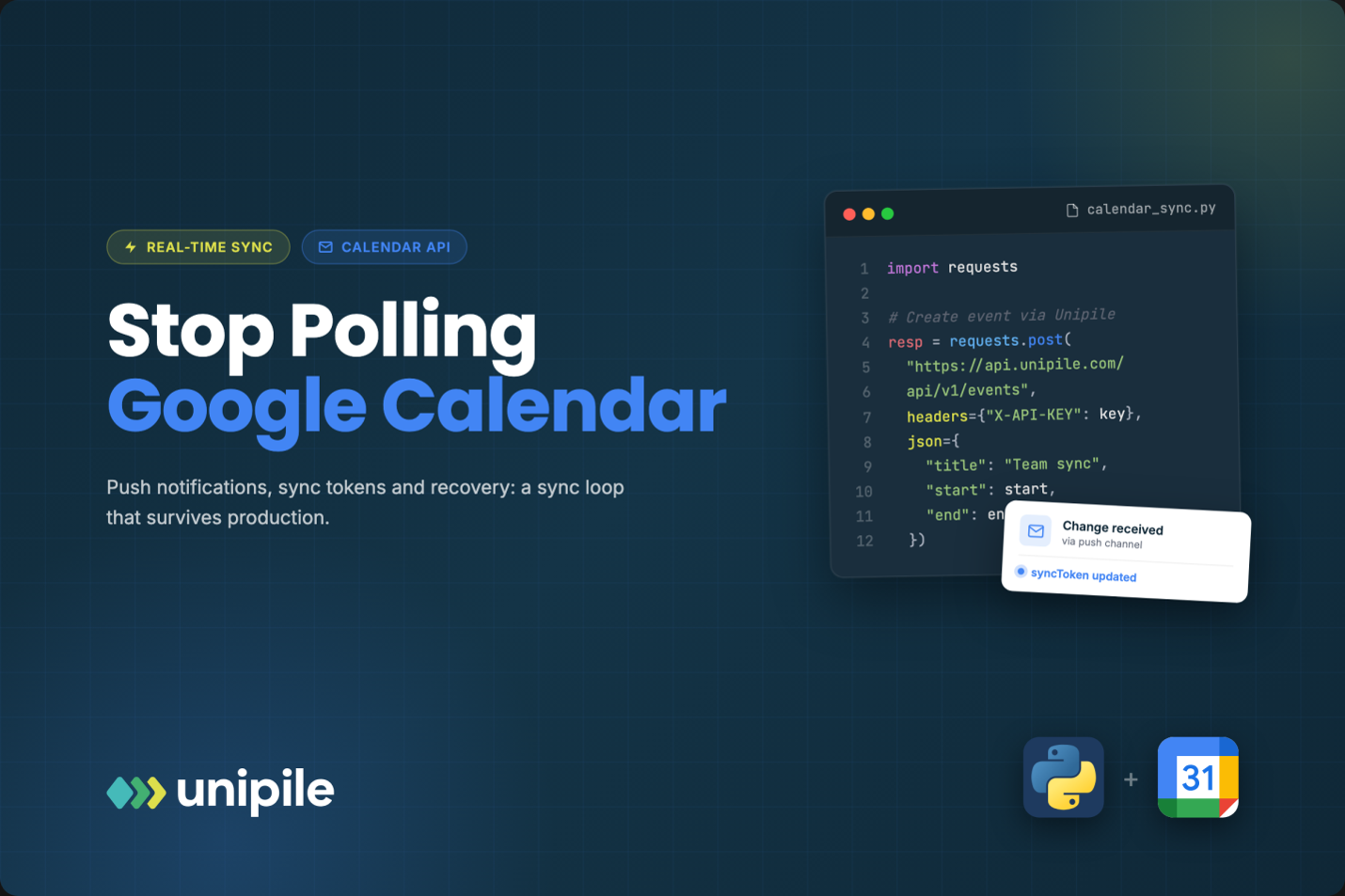
Polling a calendar every few minutes feels safe until you multiply it by thousands of connected users and watch your quota and your freshness degrade together. Google offers a better pattern: a webhook that says “something changed” and a cursor that tells you exactly what. Wiring the two together is simple on paper and full of small traps in practice. This piece treats Google Calendar sync as a loop with four states, and walks through each one with the failure it is designed to absorb.
Introduction
Polling a calendar every few minutes feels safe until you multiply it by thousands of connected users and watch your quota and your freshness degrade together. Google offers a better pattern: a webhook that says “something changed” and a cursor that tells you exactly what. Wiring the two together is simple on paper and full of small traps in practice. This piece treats Google Calendar sync as a loop with four states, and walks through each one with the failure it is designed to absorb.
Most calendar features start with a cron job that re-reads every connected calendar on a timer. It works for ten users, gets expensive at a thousand, and is always a few minutes stale. The alternative Google provides is a push and sync loop: a watch channel tells you that a calendar changed, and a sync token tells you what changed since your last read. If you want the broader picture first (OAuth setup, scopes, the events resource), this google calendar api integration walkthrough covers the foundations. This article zooms in on one thing only: keeping your copy of a user’s calendar correct without polling.
The loop in one paragraph
Think of sync as a small state machine per calendar. Bootstrap: run a full read and store the cursor. Listen: hold an open watch channel so Google can ping you. Catch up: on every ping, read only the delta since the cursor and store the new one. Recover: when the cursor or the channel dies, fall back to bootstrap. Every bug in calendar sync is a missing transition in that machine, so it pays to model it explicitly in your database, with a state column per calendar, rather than leaving it implicit in scattered jobs.
Bootstrap: the full read that earns you a cursor
The first read is a plain events.list on the calendar, paged until the last page. The detail people miss is that nextSyncToken only appears on that final page. If your job crashes on page four, you have no cursor and must restart from the beginning, so persist progress and treat a half-finished bootstrap as “not synced yet”.
A second detail: sync tokens are only issued for queries Google can replay incrementally. Some parameters are not compatible with incremental sync, notably time-range filters such as timeMin and timeMax and ordering options. Teams that bootstrap with a “next 90 days” window often discover they never receive a usable token. If you only care about a window, sync the calendar and filter on your side.
Listen: opening and renewing a watch channel
A watch channel is created with events.watch on a calendar. You send a channel id you generate (a UUID works), your HTTPS callback address, and optionally a token string that Google will echo back on every notification. Store all of it, along with the resourceId and expiration Google returns, because you need them later to stop the channel.
Notifications are deliberately thin. Google posts headers, not event data: the channel id, the resource id, a resource state, and a message number. The first message has the state “sync” and simply confirms the channel works; do not trigger a heavy read on it. Later messages say “exists”, which means “go look”. Your handler should verify that the channel id and token match a channel you actually created, enqueue a catch-up job, and return a 2xx immediately. Doing the sync inside the HTTP request is how you get timeouts and retried deliveries.
Channels expire. The expiration timestamp is in the response, and Google does not renew anything for you. The reliable pattern is overlap: a scheduled job opens a new channel for the calendar some time before the old one expires, switches your records to the new channel, then calls channels.stop on the old one with its id and resourceId. For a short window you may receive pings from both, which is harmless if catch-up is idempotent (more on that below). What is not harmless is a gap, because a calendar without a live channel goes silently stale and nothing errors. Add a check that flags any calendar whose channel expiration is in the past.
Catch up: the incremental read
On a ping, call events.list with the stored syncToken. The response contains every event created, modified, or deleted since that token, possibly across several pages, and the final page carries a fresh nextSyncToken. Apply the changes, then save the new token in the same transaction as the changes. If you save the token first and crash while applying, you skip changes forever; if you apply first and crash before saving, you simply replay them, which is fine.
Deleted events come back as items with status “cancelled”, not as gaps. Your apply step needs a branch that removes or tombstones them locally. This also applies to single occurrences of a recurring series that a user removed: they arrive as cancelled instances linked to the parent through recurringEventId, and dropping them on the floor resurrects meetings people already declined.
Recover: treating 410 Gone as normal
Sooner or later a catch-up call returns HTTP 410 Gone. It means Google can no longer compute a delta from your token, so the cursor is invalid. The correct response is not an alert, it is a transition back to bootstrap: clear the token, wipe or mark the local cache for that calendar as stale, run a full read, and store the new cursor. Build this path early and test it on purpose, because in production it tends to fire right after an outage on your side.
Channels can fail too, for example when your callback has been unreachable. A low-frequency safety net, such as a daily catch-up per calendar using the stored token, costs very little and catches anything the push path missed.
Idempotency: the property that makes all of this safe
Push systems deliver at least once, not exactly once. You will see duplicate pings, overlapping channels during renewal, and retried jobs. The design goal is that running catch-up twice in a row produces the same local state as running it once. A few rules get you there:
- Coalesce pings: if a catch-up job for a calendar is already queued or running, mark it dirty instead of enqueueing a second one.
- Upsert by event id, never insert blindly, and compare the etag or updated timestamp so an older version never overwrites a newer one.
- Serialize work per calendar with a lock, so two workers never apply deltas from the same token concurrently.
- On your own writes, generate the event id client side when you call events.insert, so a retried insert after a timeout fails as a duplicate rather than creating a second meeting.
Run that loop across Google alone and it is a manageable amount of infrastructure. Run it across Google and Outlook and you maintain two of everything, since Microsoft Graph uses subscriptions and delta links with their own lifecycles. That is the point where many teams move the plumbing to a unified layer such as Unipile, which connects users’ Google and Outlook calendars through OAuth on their behalf and delivers calendar webhooks in a single format for both, so the product team owns the sync semantics rather than the channel renewals.
https://grammervision.com/moving-with-a-large-household-how-professional-support-can-help/
https://grammervision.com/how-to-read-a-rehab-website-like-a-copy-editor/











4 thoughts on “Stop Polling Google Calendar: A Push and Sync Loop That Survives Production”